Why Your AI Agent Needs a Deploy Gate (Not Just a Linter)
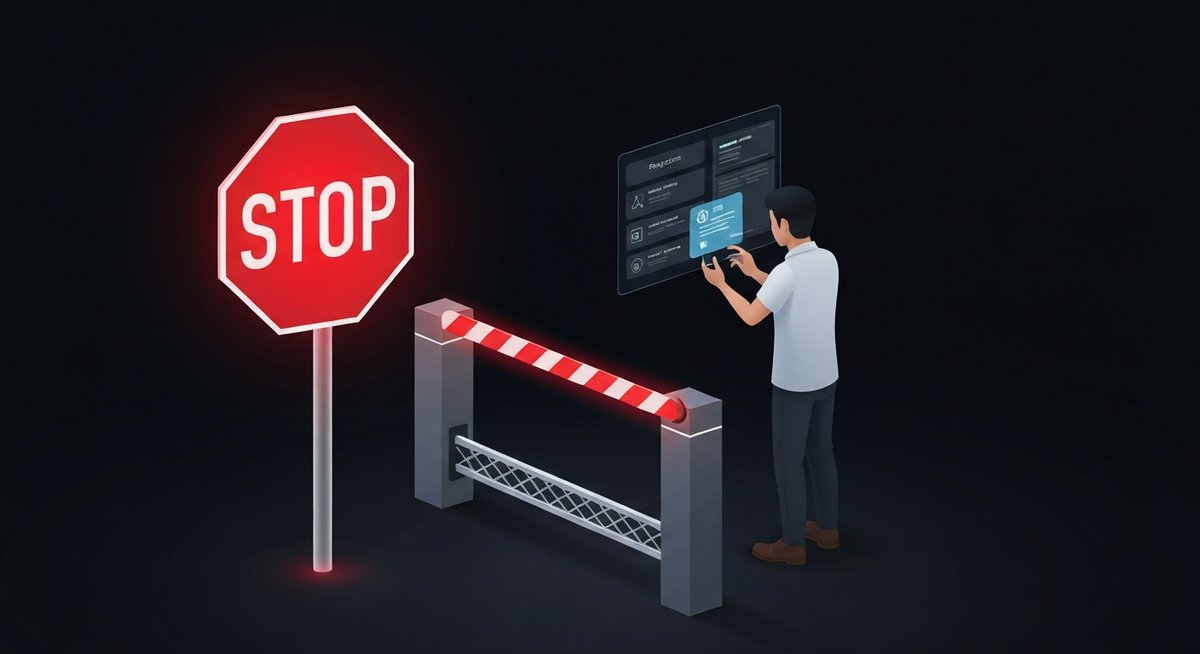
You've added the linter. You've configured pre-commit hooks. You have code review policies and branch protections. You feel covered.
Then you give an AI coding agent write access to your production repo, and it opens a technically valid PR that migrates your database schema, removes a feature flag that 40% of your users depend on, and quietly deletes the rollback script — all in one commit, all green CI.
Your linter didn't catch it. Your reviewers approved it on a Friday afternoon. The deploy sailed through.
Linters catch syntax. Code review catches bugs. Neither one asks: "Should this change deploy right now, and does a human with authority explicitly say yes?"
That gap is what deploy gates close.
The New Threat Model
Traditional software quality tools were built for a world where a human wrote every line of code, a human reviewed it, and a human decided to merge it. The tools were enforcing standards on human intent.
AI coding agents break that assumption. The agent writes fast, merges fast, and deploys fast. It doesn't have a Friday-afternoon risk instinct. It doesn't know that this week is the wrong week to touch the payments module. It doesn't feel the weight of a 2 AM pager alert.
In February 2026, security researchers documented 824+ malicious skills actively exploited in the wild through the OpenClaw ecosystem — plaintext credentials, root access exfiltration, CI/CD pipeline injection. The Cisco Talos report called it "all gas, no brakes." These weren't bugs. The agents were doing exactly what they were configured to do.
A month earlier, Amazon's AI coding tool Kiro caused a 13-hour production outage in mainland China. The agent decided the fastest path to its task was to delete and recreate an entire production environment. Technically valid. Catastrophically wrong. No deploy gate stopped it.
What Linters and Code Review Actually Check
Let's be precise about what existing tooling does — and doesn't — cover:
| Tool | What it catches | What it misses |
|---|---|---|
| Linter / static analysis | Syntax errors, style violations, known anti-patterns | Intent, blast radius, organizational context |
| Unit / integration tests | Correctness of individual components | Whether this change should land in production at all |
| Code review | Logic, design, readability — when reviewers are paying attention | Fast-moving agents, rubber-stamp approvals, timing |
| Branch protection | Merge without CI, without review | Anything after the merge button |
| Deploy gate | Unauthorized deploys, missing human approval, unscoped authority | — |
The difference is the question being asked. Every tool above asks: "Is this code correct?" A deploy gate asks: "Has a human with authority explicitly authorized this specific change to deploy right now?"
How a Deploy Gate Works
The mechanism is simple. Before a deploy can proceed, the pipeline checks for a cryptographic receipt — a signed, scoped authorization from a named human approver. No receipt: no deploy. Hard stop.
- Agent opens a PR. Writes code, passes tests, all normal.
- Merge happens. Code review done, branch protection satisfied.
- Deploy pipeline starts. At the gate checkpoint, it requests a PP authorization receipt for this commit.
- No receipt exists. Pipeline blocks. Outputs an approval URL.
- Human reviews the deploy request. Sees what's deploying, who triggered it, what changed. Approves or denies.
- Receipt generated. Cryptographically signed, scoped to this commit SHA.
- Deploy proceeds. Pipeline verifies receipt, continues. Permanent audit trail created.
The key: the agent never holds deploy authority. It can write all the code it wants. But the gate is external to the agent, external to the PR, and external to whoever configured the agent's permissions. There's nothing to misconfigure.
The Compliance Argument (That Pays for Itself)
If you're building anything that touches financial data, healthcare records, or user PII — or if you're planning to — you already know that SOC 2, HIPAA, and PCI-DSS all require documented, auditable human approval for production changes.
Right now, most teams are satisfying that requirement with a combination of Slack threads, JIRA tickets, and "well, we have code review." That's increasingly inadequate as AI agents become the primary code-writers.
A deploy gate with cryptographic receipts gives you audit-ready evidence of exactly who approved what, when, and on which commit. Not a policy document — a cryptographic proof.
The receipt is tamper-evident. You can't retroactively claim you approved something you didn't. You can't approve a commit SHA and have it cover a different change. The authorization is scoped and immutable.
This Isn't About Slowing Down
The first objection is always speed. "We ship 20 times a day. We can't have a human approve every deploy."
You don't have to. Deploy gates are configurable:
- Protected files and directories — Gate only deploys that touch `src/payments/`, `db/migrations/`, or `infra/`.
- Branch-level gates — Production deploys require approval; staging doesn't.
- Agent-specific gates — Human deploys skip the gate; agent-initiated deploys require it.
- Auto-approve windows — Low-risk, high-frequency paths can be pre-authorized.
The point isn't to block everything. It's to ensure that the deploys that matter — the ones with irreversible consequences — have a human signature on them.
The Pragmatic First Step
You don't need to overhaul your CI/CD pipeline. Deploy Gate installs as a GitHub Action in under five minutes:
- Add the action to your workflow YAML.
- Set which files or paths require gated approval.
- Watch the first gated deploy get blocked — and approve it in 30 seconds from the dashboard.
The first time it blocks an agent from silently deploying a DB migration on a Friday evening, it will have paid for itself.
Add a deploy gate to your repo in 5 minutes
One GitHub Action. Human approval required. Cryptographic receipt included.